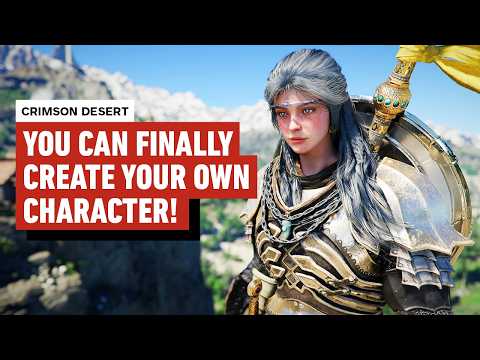
You Can Finally Create Your Own Character in Crimson Desert!
Audio Summary
AI Summary
This guide explains how to install a character creator mod for Crimson Desert, allowing players to customize their protagonist beyond the default character, Cliff. To begin, players must have unlocked the Barber in-game. The installation process involves using the JSON mod manager, which can be downloaded from Nexus Mods. After downloading, extracting, and running the .exe file for the mod manager, users will open it to install subsequent mods.
The first required mod is the character creator itself, also found on Nexus Mods. This file should be downloaded but not extracted. The unextracted folder is then dragged into the mod manager, where two options on the left side need to be toggled to "active" before clicking "apply mods."
Next, the "Cliff female voice mod" is needed to prevent the new character from having Cliff's original voice. This mod is downloaded, and its unextracted folder is dragged into the JSON mod window, followed by selecting "apply mods." This particular installation may take longer.
Crucially, after all mods are installed, the game must be launched using the "start game" button within the JSON mod manager, not directly through Steam, to ensure the mods are active. Upon launching, Cliff will have a randomized appearance, and players can then visit the Barber at Greymane camp to access the new customization options for hair, face, and color.