

Chrome for Developers
AI Audio Summaries
1 videos summarized
1 follower on BriefTube
Last summary: Sep 3, 2026
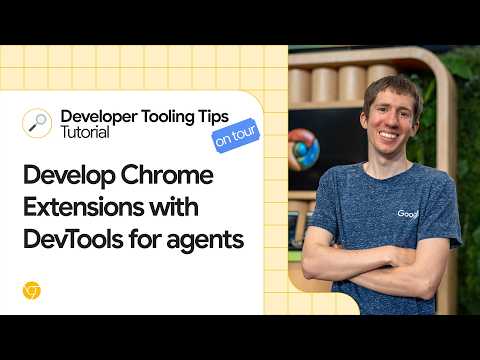
Develop Chrome Extensions with DevTools for agents
This episode from I/O Connect Bengaluru explains how to let coding agents install Chrome extensions using Chrome DevTools for agents. This is useful for testing extensions built manually or by an agent. While agents often have limited browser access, Chrome DevTools for agents provides additional tools for extension control. To enable this, after installation, users must add the "category extensions" flag to their MCP config, as extension-specific tools are not enabled by default to conserve tokens. The process involves an agent using the install extension tool to load an extension from disk, the trigger extension action tool to open its pop-up, and the take snapshot tool to access contents, allowing interaction like checking a task.
Read AI summary
YouTubeGet automatic AI summaries for all your channels
BriefTube monitors your YouTube channels, generates AI-powered audio summaries, and delivers them wherever you listen. Telegram, Discord, Slack, or your podcast app. Fully automated.
Start free trial